Can You Upgrade a HP Stream Laptop? A Comprehensive Guide
Introduction
HP Stream laptops are popular for their affordability and portability, making them a favorite for basic tasks such as browsing and document editing. However, many users eventually seek ways to enhance their device’s performance or storage capacity. This guide explores whether upgrading a HP Stream laptop is feasible, covering both hardware and software perspectives.
Understanding HP Stream Laptop’s Limitations
HP Stream laptops are designed with tight budgets in mind, resulting in certain hardware limitations. These devices often feature soldered components that restrict easy upgrades.
-
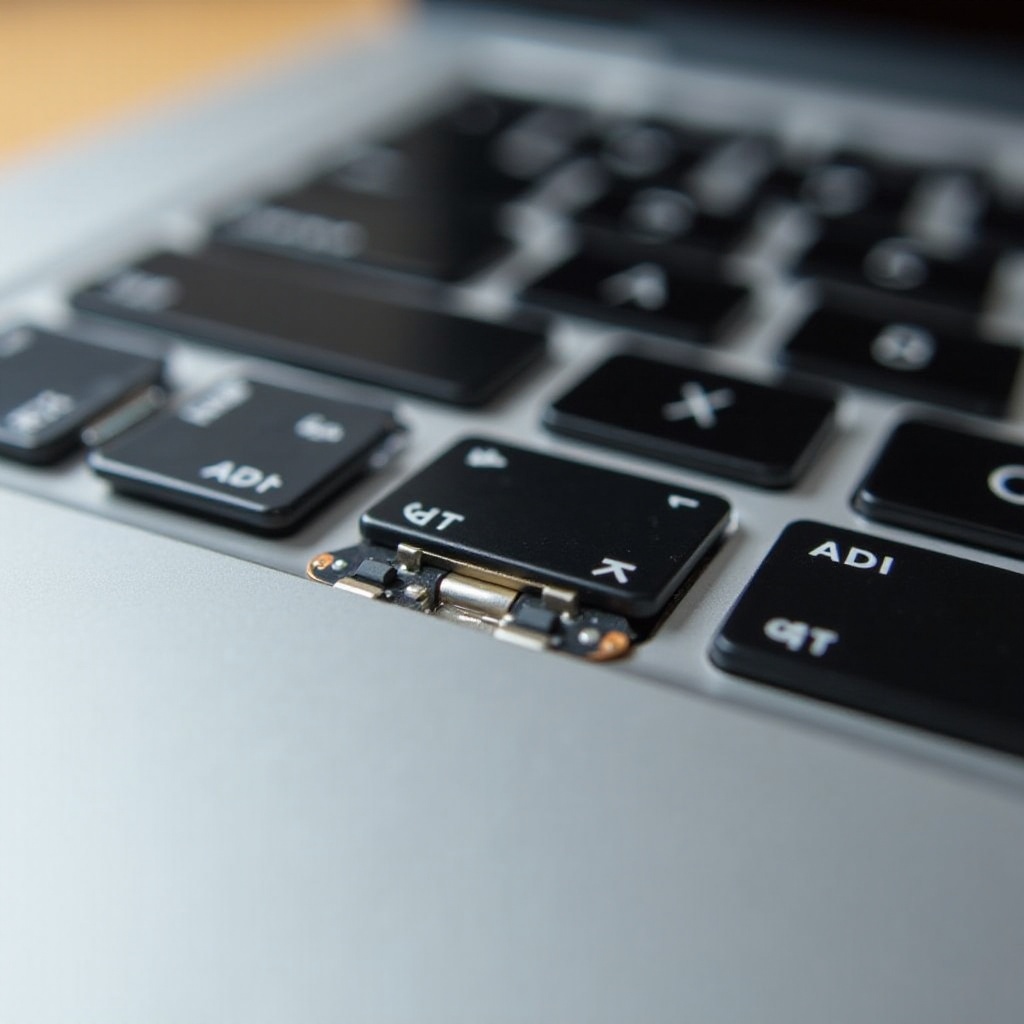
Design and Built-in Constraints: The compact construction of HP Stream laptops means components like RAM and storage are typically soldered, prioritizing slimness and low weight over expandability. This strategy helps reduce costs but sacrifices upgrade potential.
-
Comparison with Other Upgradable Laptops: Unlike many traditional laptops, which allow users to upgrade RAM and swap hard drives, HP Stream laptops prioritize cost and a streamlined design. As a result, they lack the same flexibility seen in more upgrade-friendly devices. Despite these constraints, there’s still room for improving performance through other means.
Exploring Hardware Upgrade Possibilities for HP Stream
Given the limitations, it’s essential to analyze what, if any, hardware components can be tweaked or replaced.
-
RAM and Storage Limits: Most HP Stream models include 2GB or 4GB of RAM and eMMC storage ranging from 32GB to 64GB. The RAM is soldered onto the motherboard, making upgrades nearly impossible. Replacing the eMMC storage also presents challenges due to its integration into the system board.
-
Exploring Possible Hardware Adjustments: While direct hardware upgrades are generally not viable, certain internal components like batteries can be replaced if they reach their lifespan’s end. This workaround requires technical skills and the right parts.
-
Cost-Benefit Analysis: Attempting upgrades may not justify the associated costs, considering the technical difficulties and minimal performance gains. External solutions or shifting to a different model with more inherent upgrade features might be more economical.
Given these hardware limitations, focusing on software improvements becomes crucial to maximizing the HP Stream laptop’s utility.
Software Optimization for Enhanced Performance
Without significant hardware upgrade paths, the best strategy for boosting performance lies in software optimization. Smart software management can greatly impact performance levels.
-
Operating System Updates: Keep your HP Stream’s operating system up to date to ensure it benefits from security patches and performance enhancements. Regular updates are pivotal for maintaining speed and efficiency without additional hardware.
-
Recommended Tools: Use light, efficient antivirus programs and cleanup tools that do not overburden the processor. Tools that defragment storage or clean up unnecessary files can help free space and preserve system responsiveness.
-
Efficiency Tips: Close unused programs, limit startup applications, and disable unnecessary background processes to free up RAM and improve speed.
As software solutions improve performance, implementing external solutions can further enhance the user experience.
External Solutions to Enhance Functionality
External solutions provide a reliable alternative for those unable to pursue internal modifications, offering a boost in utility and capacity.
-
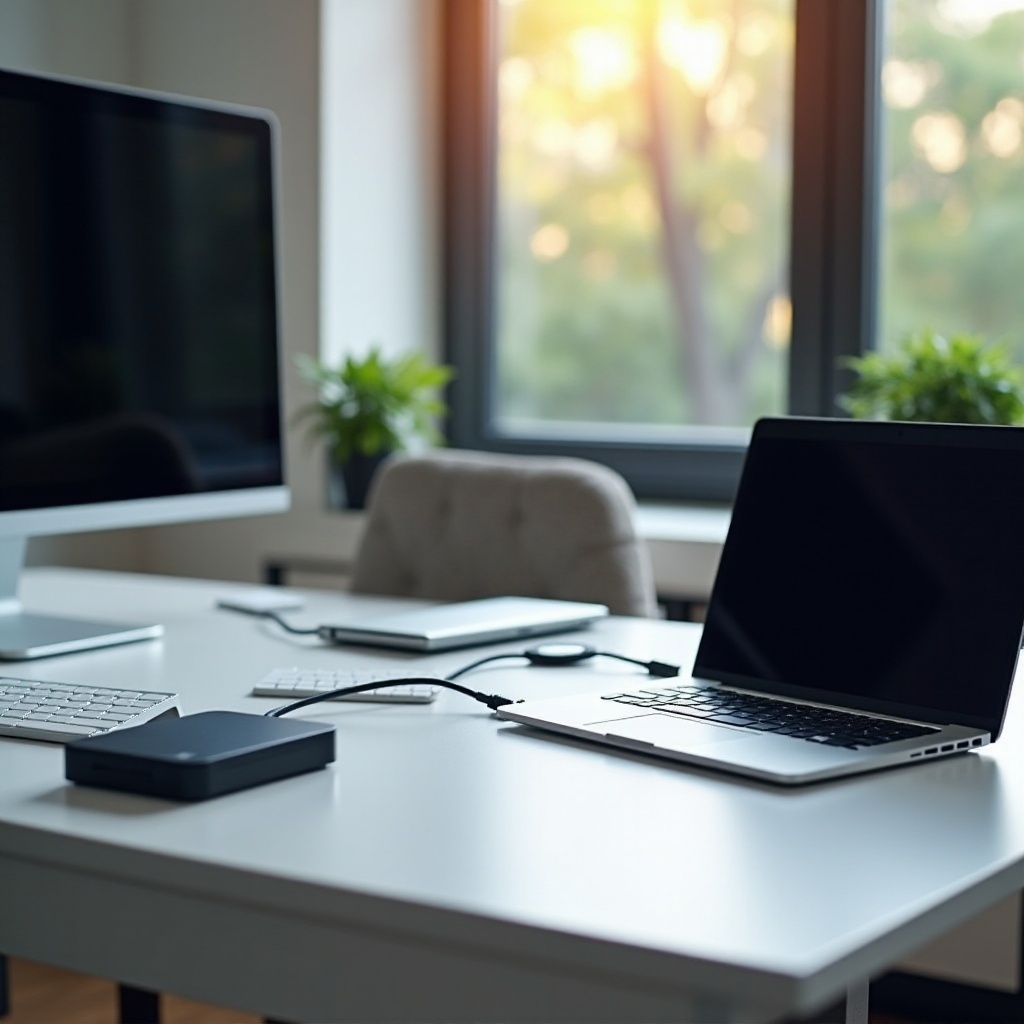
Utilizing External Storage Options: By connecting external hard drives or SSDs via USB, users can significantly increase storage capacity. Cloud-based services, like Google Drive or Microsoft OneDrive, offer additional advantages without requiring physical devices.
-
Benefits of Peripheral Devices: By incorporating peripherals such as external monitors, keyboards, and mice, users can transform their HP Stream into a more versatile setup, elevating usability.
-
Cloud-Based Solutions: Utilizing services like Dropbox and cloud applications allows for file storage and access without taxing the HP Stream’s limited internal resources, providing a seamless way to use applications without heavy installations.
These external options present viable pathways to enhanced productivity without strictly modifying the device’s hardware.
Conclusion
In conclusion, although direct hardware upgrades for HP Stream laptops are limited, users can significantly improve device performance through effective software management and external enhancements. When additional computing power or storage is required, investing in peripherals or exploring other laptop models with greater upgrade capacities might provide the best value.
Frequently Asked Questions
Can you upgrade the RAM on a HP Stream laptop?
No, the RAM is soldered onto the motherboard, making it impossible to upgrade.
What external drives are compatible with HP Stream laptops?
Most USB-connected external hard drives and SSDs are compatible with HP Stream laptops.
How to improve HP Stream performance without hardware upgrades?
Focus on software optimization by updating the OS, managing applications efficiently, and utilizing external storage and cloud services.