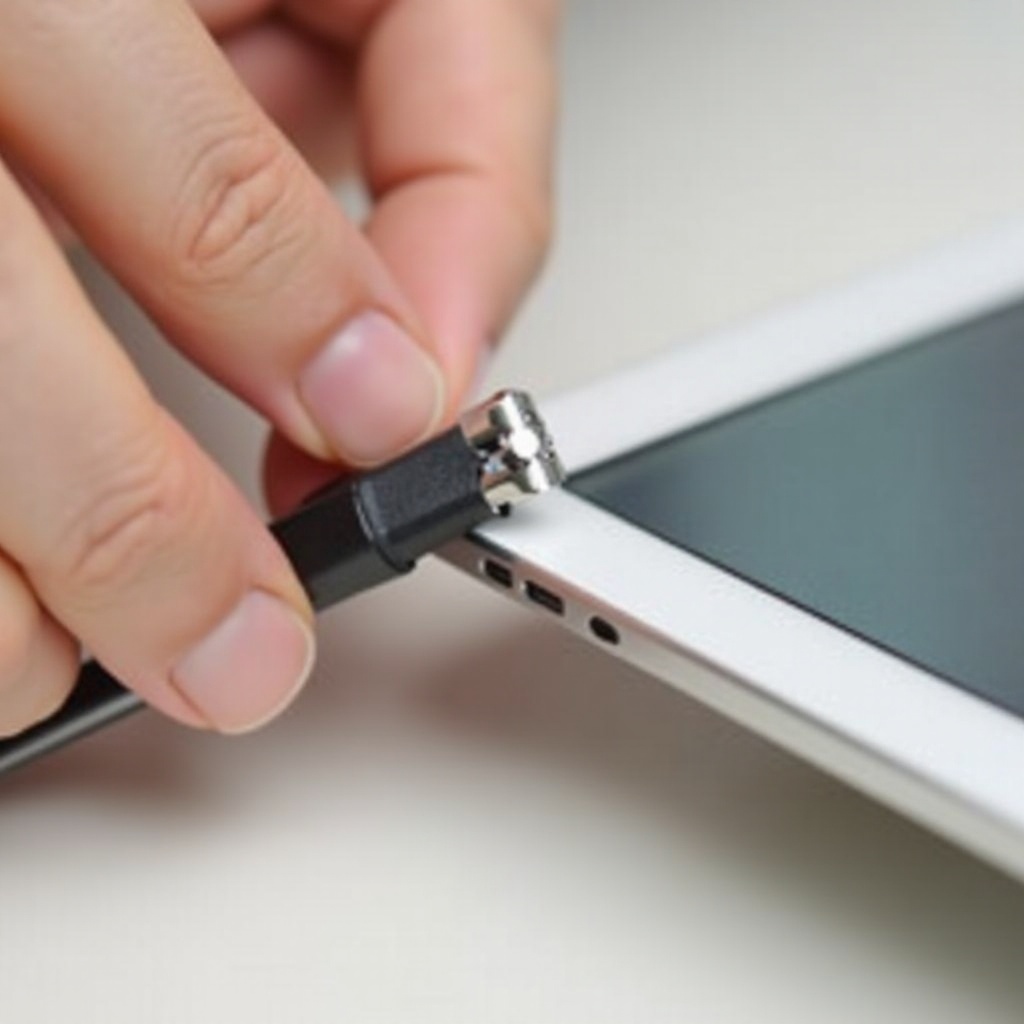
How to Pair Your Brookstone Speaker: A Step-by-Step Guide
Connecting your Brookstone speaker unlocks a rich world of sound. Whether you’re tuning into your favorite music, podcasts, or taking calls, the right setup makes all the difference. Dive into the steps to ensure you enjoy top-notch audio quality with any device.
Understanding Your Brookstone Speaker
Brookstone speakers are designed with features that promise superb sound quality. Familiarity with these features enhances both usage and appreciation. Most Brookstone models boast robust Bluetooth connectivity, extended battery life, and sleek designs. Knowing your specific model’s capabilities—be it enhanced bass or voice control—is crucial.
An essential prelude to connecting your speaker is ensuring it’s well-prepared. A few fundamental checks can prevent unnecessary glitches.
Preparing for Pairing
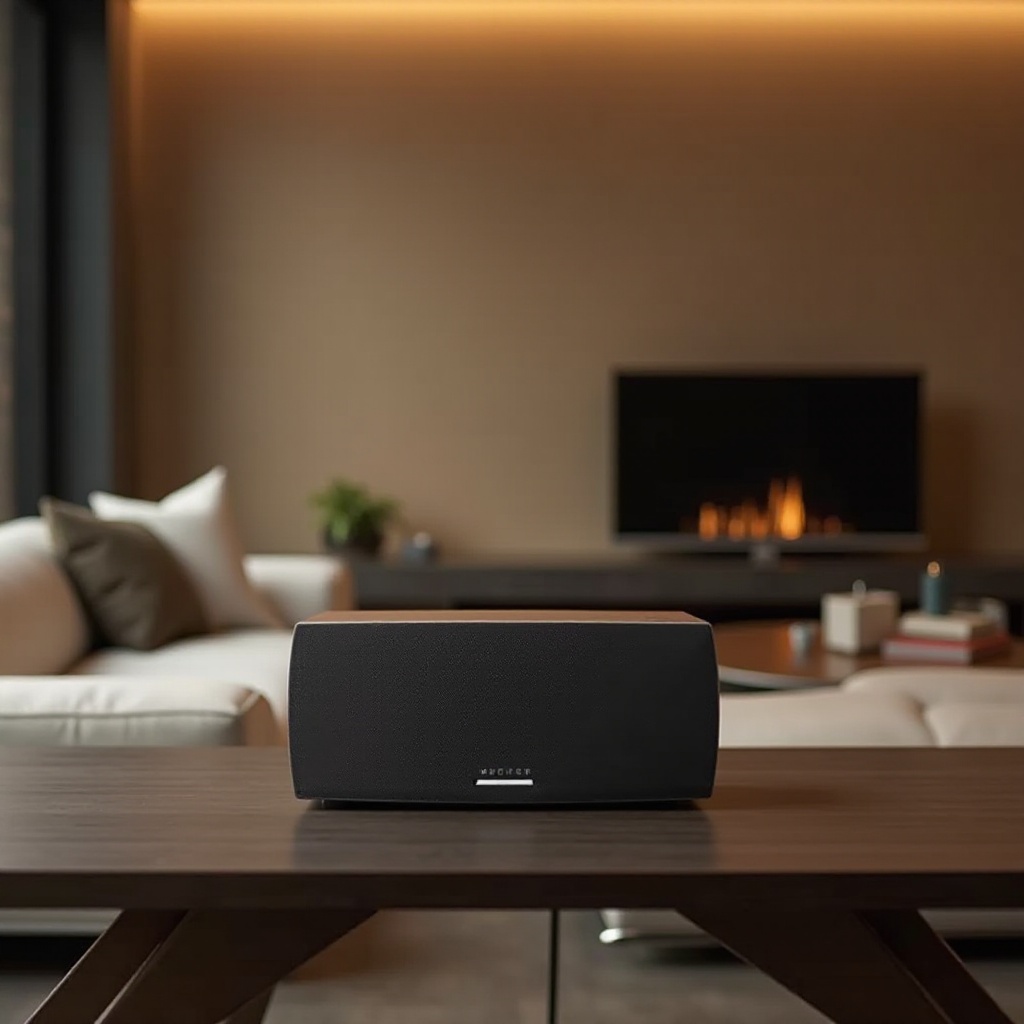
Set your speaker up for success by starting with the basics. Charge your device to avoid interruptions during pairing. A battery check ensures that your speaker doesn’t lose connection because of low power.
After confirming sufficient charge, assess your device compatibility. This involves checking whether the devices you want to connect with—like smartphones or tablets—support Bluetooth and are within a reasonable range for connection.
- Charge the Battery: Before anything else, ensure your speaker is fully charged to avoid mid-use disconnections.
- Device Compatibility Check: Verify that your device has Bluetooth capability and is near the speaker.
- Optimize Placement: Position your devices close to ensure a stable connection.
With preparation complete, you can proceed to the next steps to pair your speaker with specific devices.
Step-by-Step Guide to Pairing
Pairing your speaker requires a simple process tailored to the device you are connecting with. Let’s go through the methods for Android, iOS, and computers.
- Bluetooth Pairing:
- Power on your speaker and engage pairing mode by pressing the Bluetooth button until it blinks.
- Activate Bluetooth on your device, search for the speaker among available devices.
-
Select the speaker from the list. A sound or steady light on the speaker typically signals successful pairing.
-
Device-Specific Instructions:
- Android Devices: Access Settings > Connected Devices > Bluetooth, then tap on your speaker.
- iOS Devices: Go to Settings > Bluetooth, activate it, and choose your Brookstone speaker from the found options.
- Windows/Mac Computers: Open Bluetooth settings, enable it, then select the speaker to connect.
Now, with the devices paired, you’re ready for use. But if problems arise, don’t worry; they’re often easily fixable.
Troubleshooting Common Issues
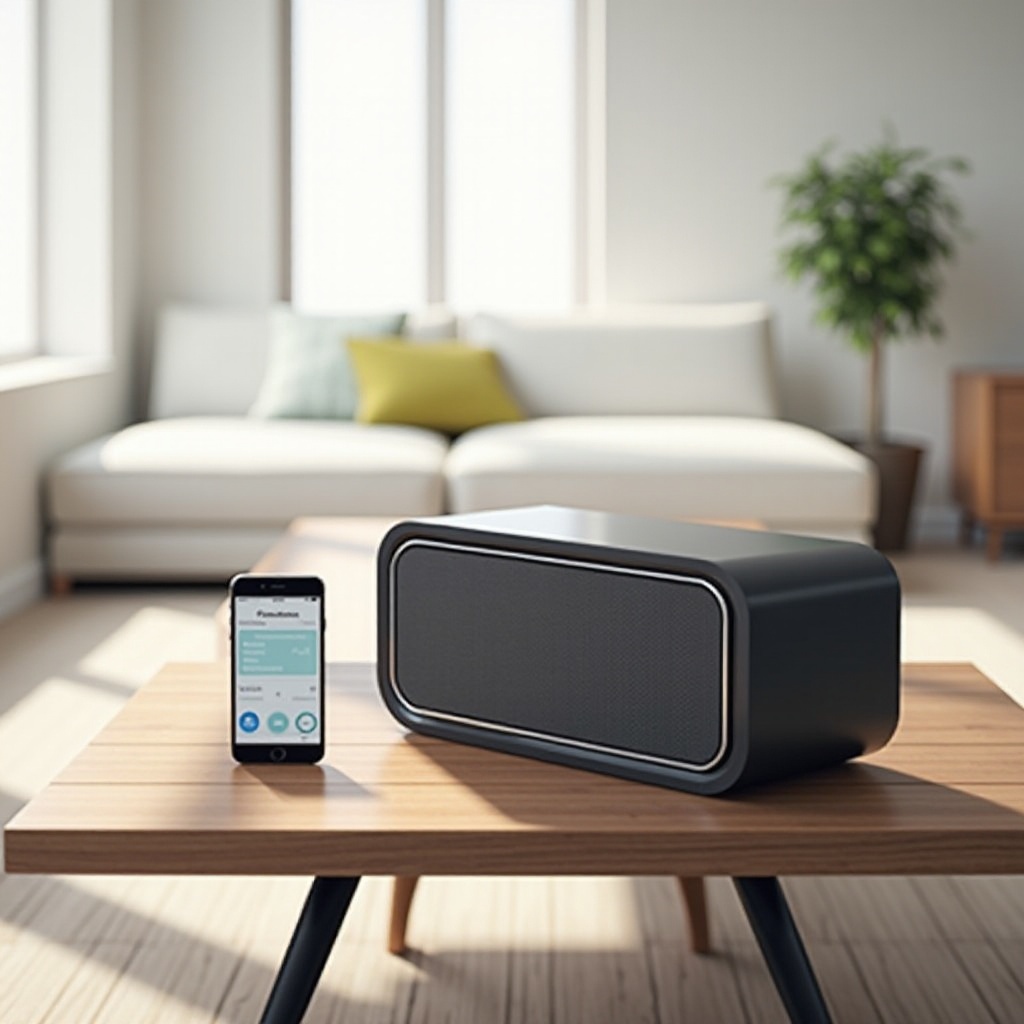
Despite following directions, pairing isn’t immune to hiccups. Thankfully, most issues are straightforward to resolve.
- Speaker Not Connecting:
- Confirm your speaker is in pairing mode and retry by toggling the device’s Bluetooth off and on.
-
Delete any existing pairings from your device’s settings and attempt reconnection.
-
Restoring Factory Settings:
-
Persistent issues? Reset your speaker to its original settings. Usually, this involves a combination of button presses, detailed in the manual.
-
Preventing Interference:
- Ensure no competing devices are running nearby. A clear Bluetooth signal often solves connectivity challenges.
Once resolved, focus on optimizing your setup for quality sound reproduction.
Enhancing Your Audio Experience
A few expert touches can greatly elevate your sonic enjoyment.
- Optimizing Sound Quality:
- Positioning matters. For best results, place your speaker in open areas, avoiding corners where sound might muffle.
-
Tweak EQ settings on your device to match your audio genre and environment.
-
Accessory Recommendations:
- Consider buying speaker stands or mounts for better audio direction.
- Protect your speaker with cases that don’t impede acoustics.
Consider leveraging advanced options if you’re aiming for a top-tier audio experience with your Brookstone speaker.
Advanced Pairing Tips
To push your setup further, consider these advanced techniques:
- Stereo Pairing with Multiple Speakers:
-
Some models support dual speaker connections, creating a fuller, surround sound effect.
-
App Utilization for Enhanced Control:
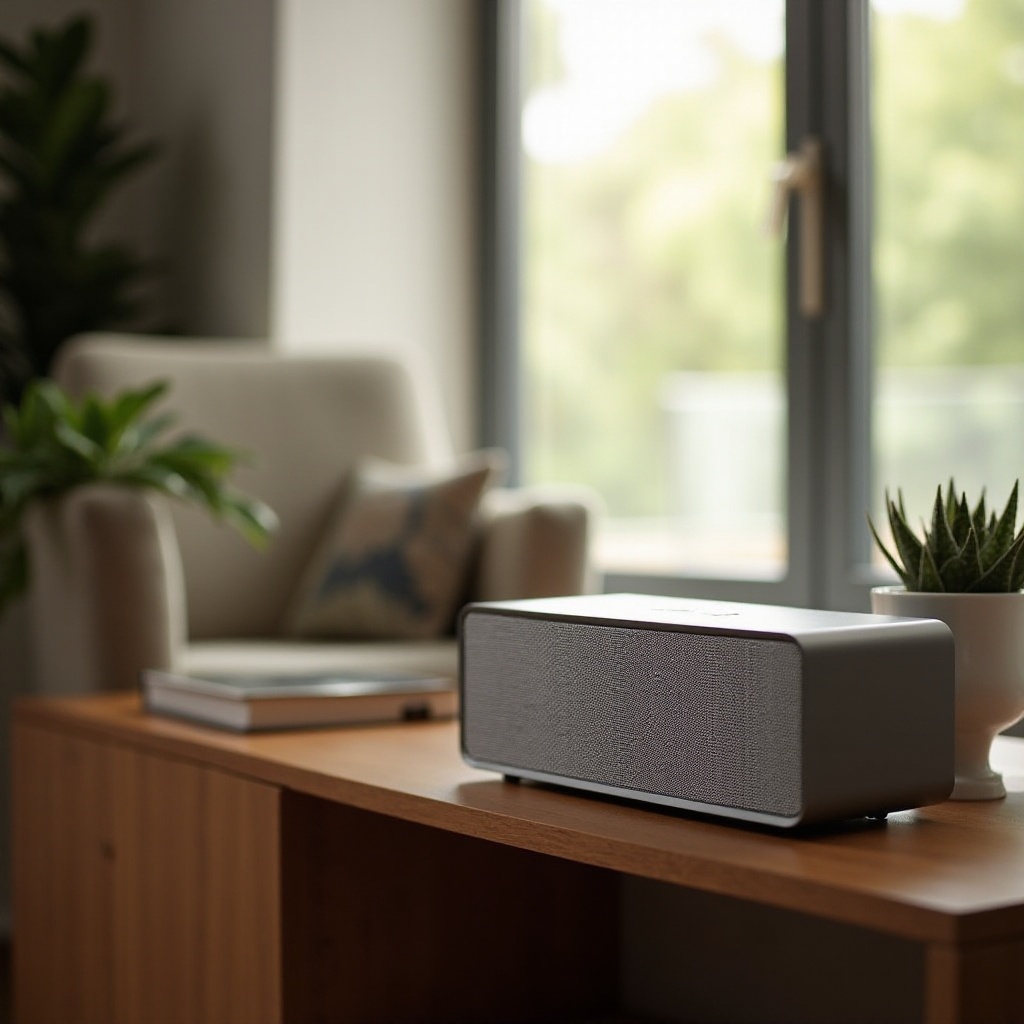
- If available, utilize smartphone apps designed for your model to fine-tune sound settings and control features.
Conclusion
Properly pairing your Brookstone speaker is key to unlocking its full potential. With a firm grasp of the steps and solutions to common issues, you’re equipped to make the most out of its features. Dive into your audio experience with confidence, knowing you can address any challenges that arise.
Frequently Asked Questions
How do I reset my Brookstone speaker?
To reset your Brookstone speaker, press and hold the power and Bluetooth buttons simultaneously until the device restarts.
Can I pair my Brookstone speaker with a smart TV?
Yes, if your smart TV has Bluetooth capabilities, you can follow the Bluetooth pairing instructions to connect.
What to do if the speaker’s sound is distorted?
To fix distorted sound, ensure your speaker isn’t too close to walls, check device audio settings, and verify both devices are fully charged.