How to Charge an Xbox One Controller
Introduction
Charging your Xbox One controller effectively is essential for seamless gaming. A charged controller ensures you won’t face any interruptions during intense gaming sessions. This guide explores the various ways to charge your Xbox One controller, offering detailed instructions, battery optimization tips, and solutions to common charging challenges. Let’s get started on ensuring your controller is ready for action at all times.
Understanding Xbox One Controller Charging Options
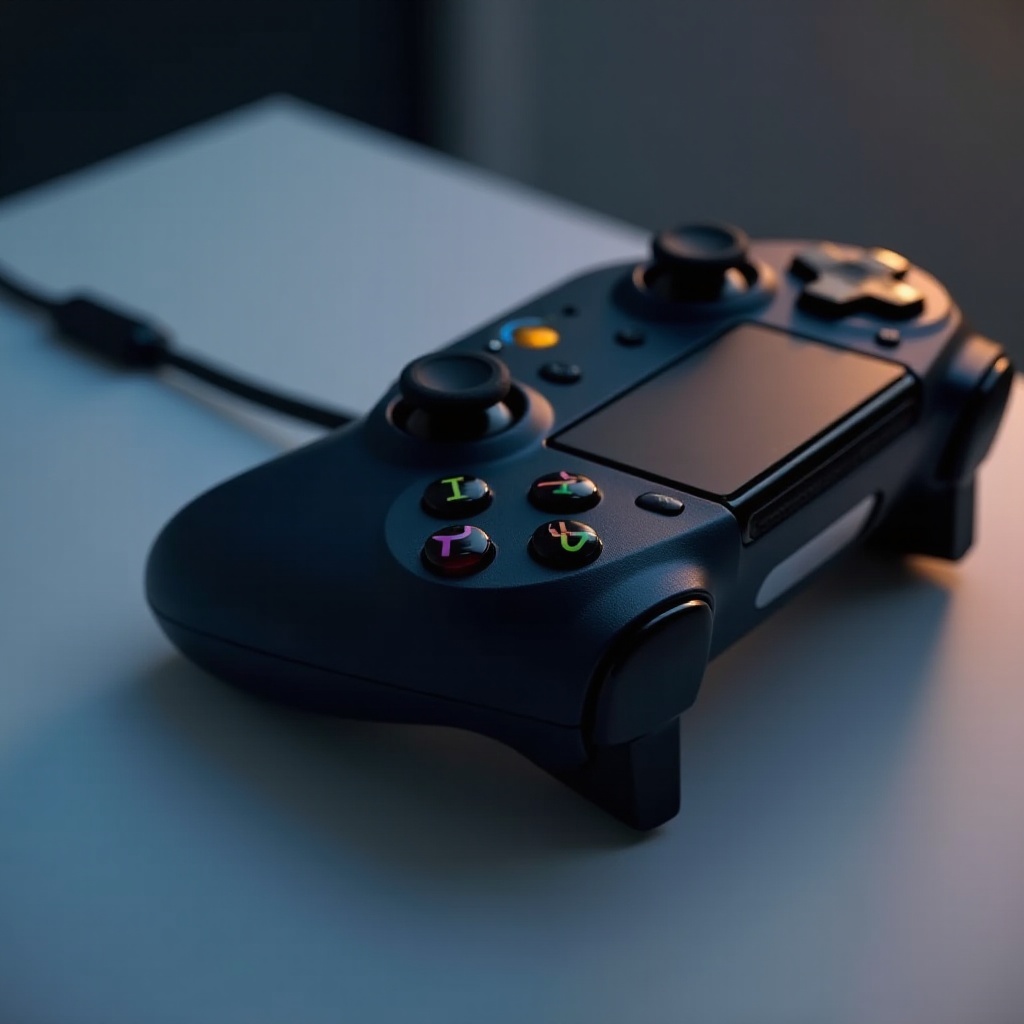
Xbox One controllers can be charged using wired or wireless methods. Each option caters to different setups and preferences, aimed at enhancing your gaming experience. Grasping these options will help you decide on the best charging method for your needs.
Charging with a USB Cable
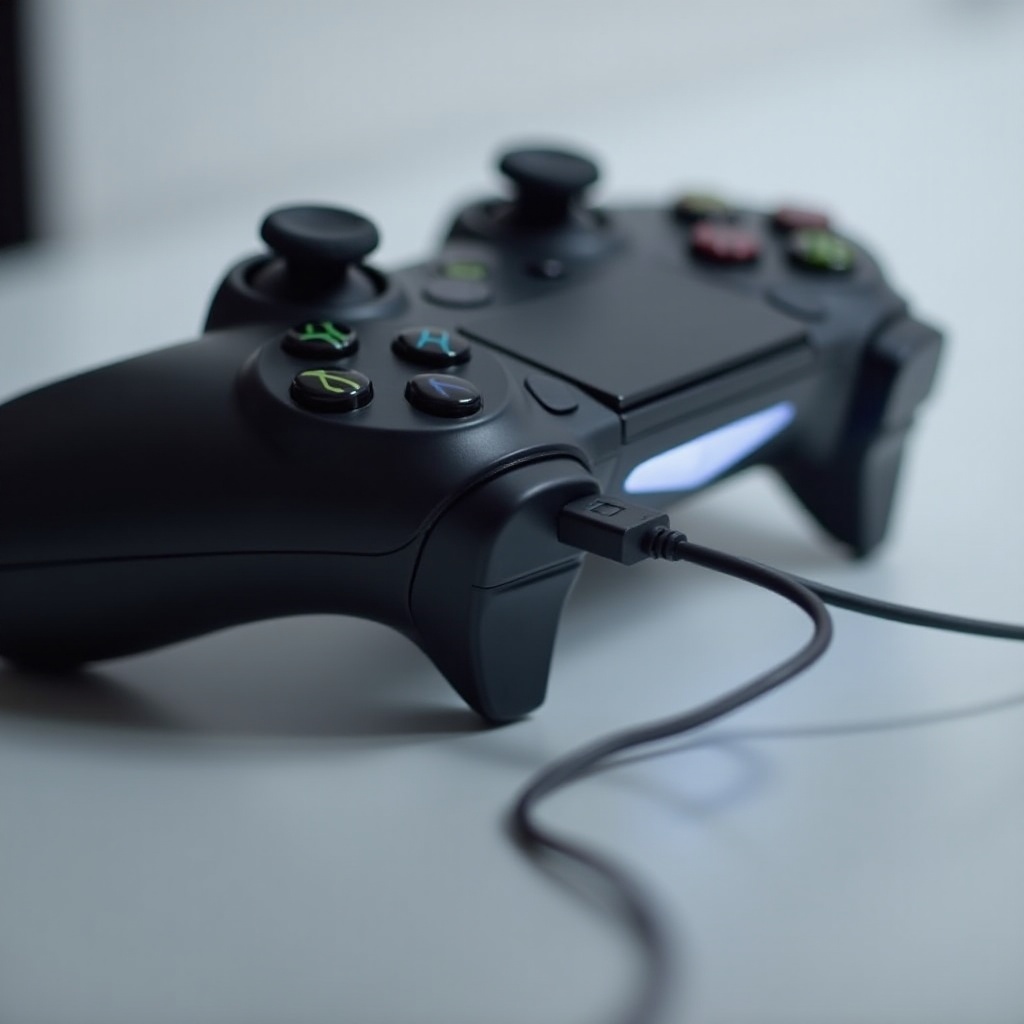
Employing a USB cable is a straightforward and reliable way to charge your Xbox One controller. Follow these steps:
- Opt for a high-quality micro USB cable that is compatible with your controller.
- Connect one end of the cable to the controller.
- Attach the other end to a USB port on your console, PC, or USB wall adapter.
- Allow the controller to charge for approximately 2-3 hours, until it’s fully charged.
Should the controller fail to charge, ensure that the cable and USB ports are intact and properly connected. This simple method is convenient, leveraging existing equipment likely already available in your home.
Using the Xbox One Play & Charge Kit
For a more seamless experience, consider the Xbox One Play & Charge Kit. Here’s how to make the most of it:
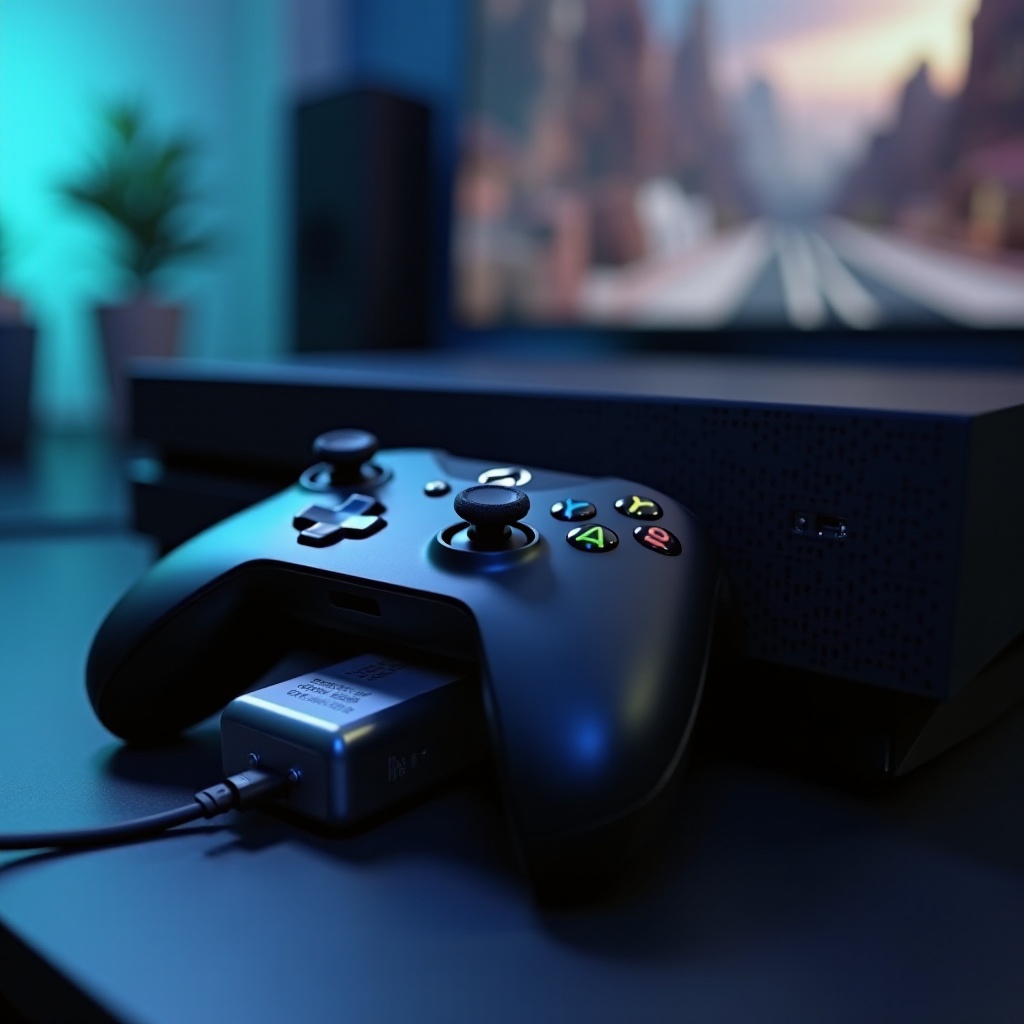
- Unpack the kit, which includes a rechargeable battery pack and a USB charging cable.
- Place the rechargeable battery pack into the controller’s battery compartment.
- Utilize the supplied USB cable to connect the controller to your console or another power source.
- You can either charge while gaming or leave it to charge while the console is off; the LED indicator on the cable shows charging progress.
The Play & Charge Kit allows you to enjoy uninterrupted gaming without having to wait for charging breaks, optimizing your gaming downtime.
Utilizing Rechargeable Battery Packs
Rechargeable battery packs provide a sustainable and economical solution for gamers. Installation and usage are straightforward:
- Choose a trusted rechargeable battery pack that suits Xbox One controllers.
- Install the battery pack by replacing the standard disposable ones.
- Connect the battery pack to its charger and plugin to a suitable power source.
- Follow the manufacturer’s instructions to monitor charging time for safety and longevity.
This option not only reduces waste but also saves money over time, a particularly appealing feature for avid gamers.
Exploring Wireless Charging Solutions
Forget the hassle of wires with wireless charging solutions, offering modern convenience:
- Acquire a compatible wireless charging station for Xbox One controllers.
- Rest the controller on the charging pad.
- Align it correctly to commence charging.
- Use the indicators on the station to know when it’s fully charged.
While slightly costlier upfront, these solutions clear up space and offer easy usage, adapting to a contemporary gaming setup without the wire clutter.
Tips for Extending Battery Life
Enhancing your gaming time involves preserving your controller’s battery. Here are some valuable tips:
- Avoid letting the battery reach 0% before charging; commence charging at 20-30%.
- Store your controller in a cool, dry place to prevent battery degradation.
- Switch off your controller when idle to conserve energy.
These practices will not only prolong battery life but also ensure uninterrupted gaming sessions once your controller is fully charged.
Troubleshooting Charging Issues
Occasionally, charging issues might occur. Address these as follows:
- Check for secure connections if charging stops.
- Try a different USB cable or port if charging problems persist.
- Update your console and controller firmware as outdated software can affect charging performance.
If unresolved, seek assistance from Xbox support to operate a fully functioning controller, ensuring you’re always game-ready.
Conclusion
By taking control of how you charge your Xbox One controller, you significantly enhance your gaming enjoyment. From understanding methods to straightforward troubleshooting, your controller will stay prepared whenever you’re ready to dive into the gaming world.
Frequently Asked Questions
How long does it take to fully charge an Xbox One controller?
It takes approximately 2-3 hours to charge a controller fully with a USB cable or Play & Charge Kit.
Can you charge an Xbox One controller with any USB cable?
Yes, any micro USB cable should work, but using a high-quality cable is advisable for better performance.
What should I do if my Xbox One controller isn’t charging?
Ensure secure cable connections, try alternative ports or cables, and check for necessary firmware updates.